

Domains
Domains are a core organizational concept in Cube AI. A domain represents an isolated workspace where users interact with models, manage access, and perform LLM-powered operations.
Domains provide logical isolation between different teams or workloads while sharing the same Cube AI deployment.
What is a Domain?
A domain acts as an isolated environment that groups:
- Users and their roles
- Models and backend configurations
- Chat and inference activity
All interactions in Cube AI happen within the context of a selected domain. This ensures clear separation between different teams, projects, or use cases.
Accessing Domains
After logging in, users are presented with the Cube AI dashboard, where available domains are listed.
From the dashboard, users can:
- Open an existing domain
- Create a new domain (if permitted)
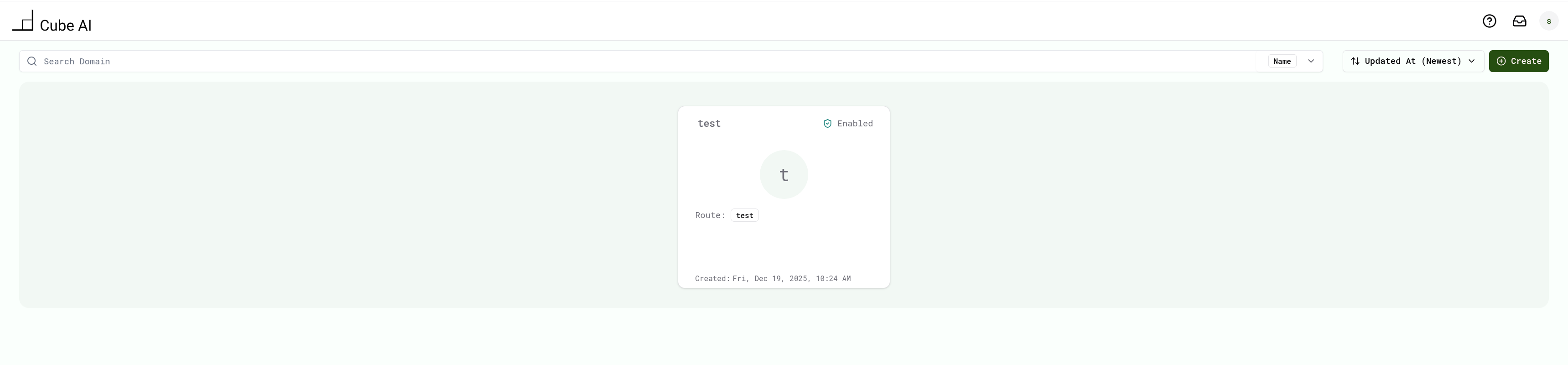
The currently active domain defines the scope of all actions in the UI.
For a step-by-step onboarding flow, see: 👉 Getting Started
Creating a Domain
To create a new domain:
- Log in to the Cube AI UI.
- From the dashboard, click Create Domain.
- Enter a Name and Route for the domain.
- Click Create.
- When the domain appears in the list, click Open Domain.
Once opened, you are redirected into the domain workspace.
Domain Workspace
After opening a domain, the UI switches into the domain context.
Inside a domain, users can:
- Access the chat interface
- Select and interact with available models
- Perform domain-scoped operations
Navigation within the domain is handled through the left-side menu.
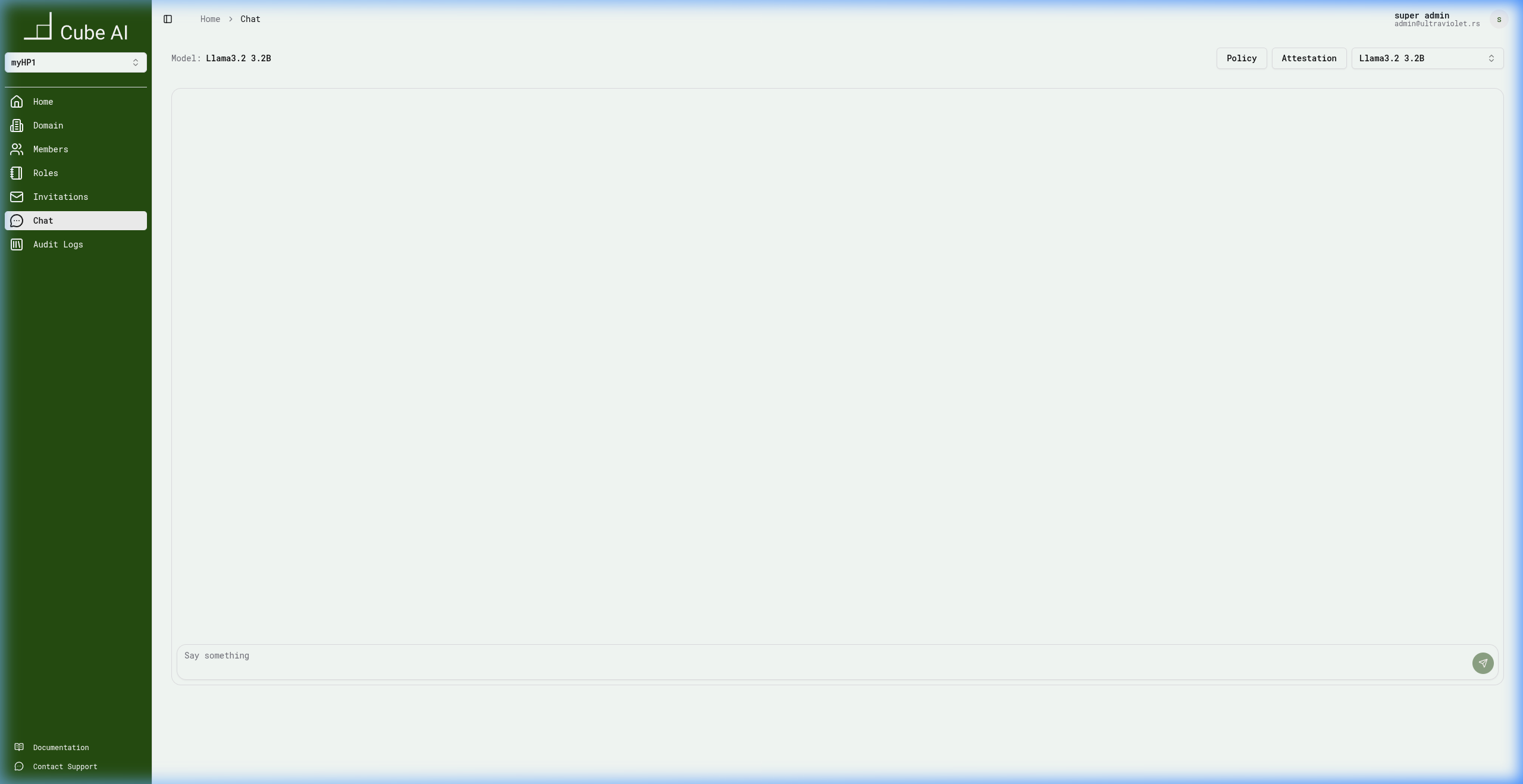
Domain Context
The active domain determines:
- Which users and roles apply
- Which models are available
- Which resources and actions are visible in the UI
Switching domains changes this context entirely, ensuring isolation between different environments.
Switching domains updates the entire UI context, including available models, users, and permissions.
Domain Membership and Roles
Users belong to one or more domains and may have different roles in each domain. Roles define what actions a user is allowed to perform within that domain.
Details about roles and permissions are documented in:
👉 Security & Access → Roles and Access Control
Typical Domain Workflow
A common user flow in Cube AI looks like this:
- Log in to the Cube AI UI
- Select or create a domain
- Enter the domain workspace
- Interact with models and services within that domain
- Switch domains as needed
Next Steps
After creating and entering a domain, you can explore:
- User actions and profile management
- Role-based access control
- Audit logs and security events
- API access scoped to domains
For first-time users, see: 👉 UI → User Actions